Published by Adrian Vogel · Reading time: approx. 12 minutes · Last updated: October 2026 · Jurisdiction: Germany
Before you start: This guide is not legal or insurance advice. It describes general rules under German law. And it shows how to record them in OWNAMIC. What applies in your flatshare depends on your agreements, your tenancy agreement and your insurance contracts. If you are unsure or in a dispute, a tenants' association (Mieterverein), a consumer advice centre (Verbraucherzentrale) or a lawyer can help.
In short:
- At the end, the whole flat sees who owns what.
- On moving out, it is clear who takes what and who pays whom.
- Everyone needs their own account. Preparing takes about 10 minutes.
- OWNAMIC has no co-ownership, checks no insurance and handles no payments.
How Shared Spaces work in general is covered in Sharing is Caring – When Ownership Concerns More Than One Person. This article is the guide for one particular situation. Several people, one flat, one fridge, three toasters. And the question: who owns the washing machine when someone moves out?
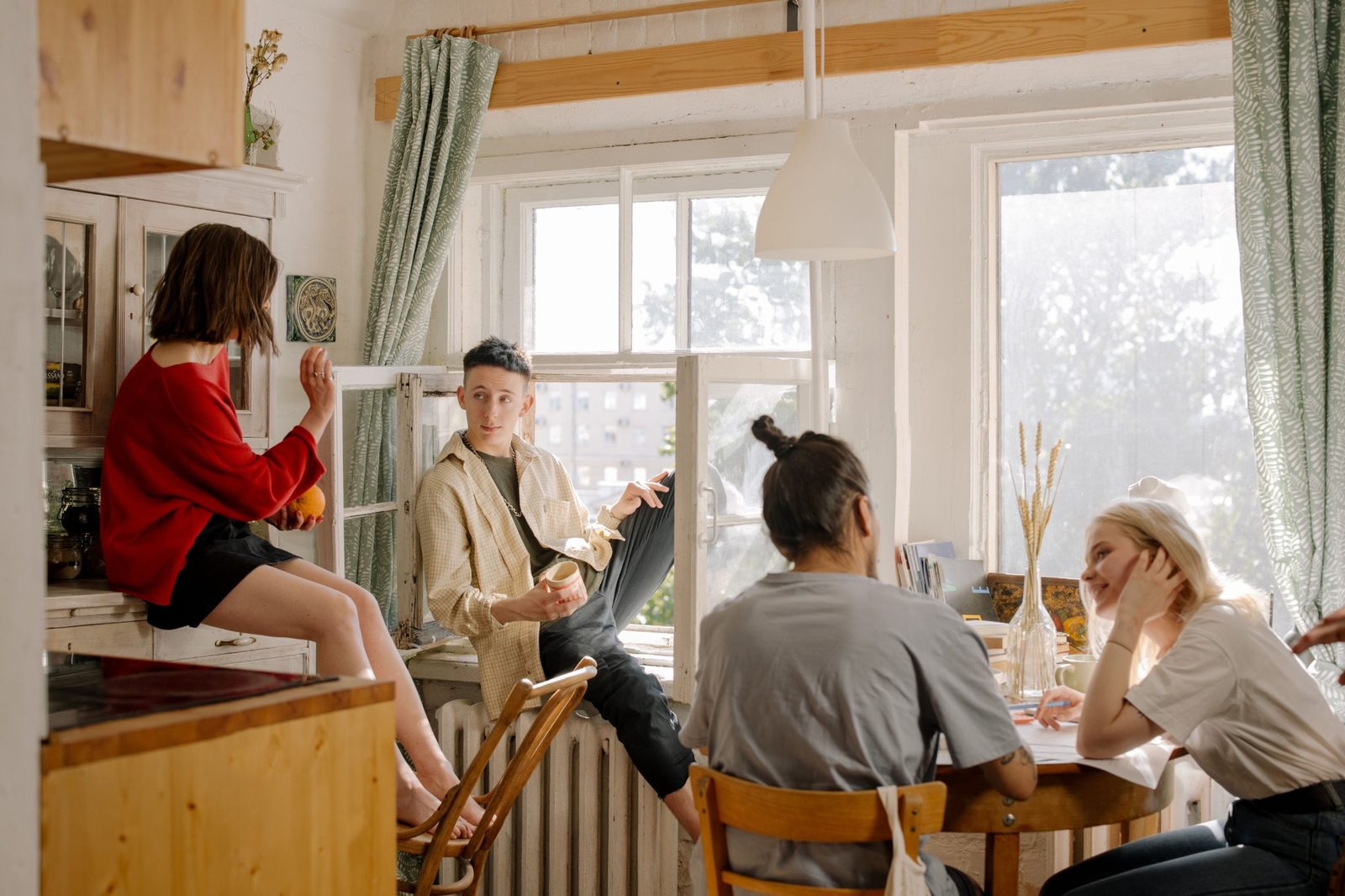
What you should know
What you buy alone, you own alone. In a flatshare that blurs quickly. Your blender has stood in the shared kitchen for two years? After the third change of flatmates, nobody remembers who brought it. German law does presume that whoever possesses a movable item, meaning has it with them, owns it (section 1006 of the Civil Code, BGB). In a kitchen everyone uses, that helps little. A list from moving-in day helps more.
What you buy together, you usually own together. Say three flatmates pay for a washing machine together. Then it usually belongs to them jointly, as co-ownership in fractional shares (Miteigentum nach Bruchteilen, section 1008 BGB). This means nobody owns a part of the machine. Each person owns a share of the whole machine, such as one third. This kind of community has its own rules (sections 741 ff. BGB). Three of them matter in a flatshare:
- Equal shares if in doubt (section 742 BGB). If you agreed nothing, who paid how much does not count automatically. Whoever contributed more should write it down.
- Costs by share (section 748 BGB). In principle you bear repairs and running costs in proportion to your shares.
- Anyone can end it (section 749 BGB). Anyone can demand that you end the community. If the item cannot be divided, the law provides for selling it. The money is then split (section 753 BGB). Half a washing machine helps nobody. That is why people usually agree on a buy-out (Ablöse) when someone moves out. This means whoever keeps the item pays the others their share.
Home contents insurance follows the contract, not the flat. A home contents policy (Hausratversicherung) covers the insured person's household. Your flatmates' things are not automatically included. There are two common routes:
- Each person has their own policy. It has its own sum insured (the most the insurer will pay) and its own receipts.
- A joint flatshare contract, if the insurer offers one. Often one person takes it out. The others are named, and you split the premium. The catch: if that person moves out, cover for the others can end.
Students are sometimes covered by the outside cover (Außenversicherung) of their parents' policy. That is the part of a home contents policy that covers things outside the parents' home. It often applies only while your main registered residence stays with your parents. Your main residence is the address where you are mainly registered. Usually the insurer then pays only up to part of the sum insured. The terms set out the details.
If you break your flatmate's laptop, home contents insurance does not pay. Your personal liability insurance (Privathaftpflicht) may pay instead. That is the insurance for damage you cause to others. If you had borrowed the laptop, it gets tight. Damage to borrowed items is excluded in many policies. Or it is only covered by an add-on, with a limit.
Agreements belong on paper. Do you have a joint tenancy agreement? Then each tenant is liable to the landlord for the whole rent. Among yourselves, what you agreed applies. But you can only show what is written down somewhere: in a flatshare agreement, a shared note or the group chat.
A buy-out from an incoming tenant has a limit. Say a new flatmate takes over the fitted kitchen or the furniture of the person moving out. A buy-out payment for that is allowed in principle. But it must not be strikingly out of proportion to the value. This means the current value: what the item is worth second-hand today. As a rule of thumb from German case law, more than 50% above the current value is too much. A payment just for moving out early is not allowed. It is called key money (Abstandszahlung). Between flatmates, the current value is at least a good guide to a fair price.
Preparation: who is taking part? (10 minutes)
Before the first click, settle three things:
- Everyone needs their own OWNAMIC account. Objects always belong to one account. A shared login for the whole flat would be exactly the muddle you want to avoid.
- A space holds at most five members, you included. Pending invitations count. One space is not enough for a flat of six.
- Who creates the space? The person who creates it cannot leave it, only dissolve it. They cannot hand it over. So pick someone who is likely to stay longest.
Try it now
Free for 14 days, no payment details. All you need is your email address.
Registration is subject to our Terms and Conditions and Privacy Notice.
Step 1: Everyone records their own things
Each person works in their own account. That way receipts and prices stay private. And everyone ends up with a list for their own home contents insurance.
- Tap Plus and, under Manual, choose Template.
- Choose "Home". A name like "Flat on Chestnut Street" works.
- Untick what you do not need. Use Add your own for what is missing: "My room", "Kitchen", "Bathroom", "Living room", "Cellar".
- Tap Create Structure.
- Record your things room by room. What is in your room goes into "My room". What belongs to you but stands in the kitchen goes into "Kitchen".
For expensive items such as a laptop, bike, camera or furniture, use Detail shots. That means up to five pictures of one object. Include the type plate with the serial number. With Upload File you attach the purchase receipt. Check its type, and change it with Change type to Purchase Receipt if needed. How to do this room by room is in the step-by-step home contents inventory guide.
For the flatshare, what matters most is what stands in shared rooms. And what is expensive enough to talk about.
Step 2: Record joint purchases once, with the shares
This is the most important limit, and you should know it: OWNAMIC has no co-ownership. Every object has exactly one owner in the system. There is no field for shares in an object.
The workaround that works:
One person records the purchase, for example whoever paid or has the receipt. Do not record the washing machine three times. Otherwise it appears three times in the space and counts three times in every total.
The shares go into the description. A fixed format helps. Then nobody has to guess later:
Joint purchase of the flat. Bought on 14 March 2026 for €540. Shares: Lena 50% (€270), Jonas 25% (€135), Mira 25% (€135). Receipt kept by Lena. Rule on moving out: whoever keeps the machine pays the others their share of its current value.
Purchase price and purchase date go into their fields. Attach the receipt with Upload File. Only the person who recorded the object sees the receipt. OWNAMIC never shows documents and receipts in a Shared Space.
Important: if you show it, every member of the Shared Space sees the description. So all members see any amounts in it, even if the space shares no financial data. For joint purchases that is the point. For your private things, keep prices out of the description.
Did you take over a fitted kitchen from a previous tenant? Record it the same way: one person, one object, shares and buy-out amount in the description.
Step 3: Create the Shared Space
- In the sidebar, open Shared Spaces and tap New space.
- Under Name, enter something like "Chestnut Street flat". Under Description, a line such as "What is in the flat and who it belongs to" works.
- Include financial data is off. Leave it off to begin with. OWNAMIC then removes purchase prices and estimates before anything is sent. They never reach your flatmates' devices.
- Switch on Share status. Then everyone sees whether an object is currently lent out, sold, given away, donated or disposed of.
- Share events is useful if you want to see, say, repairs to the washing machine. OWNAMIC never shows attachments.
- Tap Continue. In the Contribute objects step, choose Collection for rooms such as "Kitchen" and "Living room". For single items such as the washing machine, choose Other objects.
- Tick the entries and tap Select. Contained objects come along. The wizard shows this as Including everything inside.
Do not contribute your whole home, only what concerns the flat. "My room" stays private unless you contribute it.
Step 4: Invite your flatmates
- In the Invite people step, enter an address under Email. It is the address your flatmate uses, or will use, for OWNAMIC.
- Invitees are Viewers. Every member can still contribute their own objects.
- Tap Invite. OWNAMIC does not send an email itself. You get a ready-made message with a link.
- Tap Copy message and send it to the flat's group chat.
- Repeat this for everyone. Done and Go to space take you into the new space.
Your flatmates open the link in their own account and tap Accept. The invitation is valid for 14 days. It only opens for the account it is addressed to. Then they tap Contribute your objects in the space. They contribute their rooms and items, just as you did in step 3.
The space's hierarchy now shows, for every object, who contributed it. That is the answer to "Whose toaster is this?", the same for everyone.
Step 5: Decide what the others see
Each person decides for their own objects. Here is how:
- Open the space.
- Tap Configure (as the creator) or Contribute your objects (as a member).
- Tap the slider icon Display settings next to the object.
You will find these switches:
- Show images and Show description are the basics.
- Show status and Show events are only available if the space offers them. For objects of other members they start off. A switch by the creator alone makes nothing of theirs visible.
And prices? The Include financial data switch applies to the whole space. So it applies to every object of every member. Do you only want to show prices for the joint purchases? There are two ways. First, you write the amounts into the description, as in step 2. Second, you create a second space, "Flat kitty", with financial data. There you contribute only the joint items. An object can be in several spaces.
Step 6: When someone moves out
This is where the groundwork pays off. Go through the list in the space together a few weeks before the move.
Their own things. Whatever belongs to the person moving out goes with them. If they want a record, they tap Add Event on the object. There they add a Location Change, for example "To the new flat". Then, in the Shared Spaces overview, they tap Leave on the flatshare. Everything they contributed disappears from the space with them. Everything stays in their account.
Is the person who created the space moving out? Then they can only end it with Dissolve space. The objects stay with their owners. Whoever stays then creates a new space and invites everyone again. Plan for this.
A joint purchase stays in the flat. You agree on a buy-out. Then:
- Transfer. Is the person moving out the owner in the system? Then they transfer the object to the person keeping it. On the object page, they tap Transfer object. They enter the Recipient's email and confirm that all files go with it. Then they tap Request transfer. They pass the link on themselves with Copy link or Show QR code. Only when the recipient accepts does the object change hands. Its images, files, events and valuations go with it. An accepted transfer cannot be undone. A confirmed email address is required.
- Record the buy-out. The new owner taps Add Event and chooses Bought. Under "What did you pay?", they enter the buy-out amount and the date. Under More details, they enter a name such as "Buy-out to Lena (50%)". Leave the quantity at "No quantity". Then the entry does not change the stock. Finally, they tap Save.
- Have it confirmed. Under Have this confirmed by a third party, they tap Create signing link. This creates a link for Lena. Lena confirms the entry with a code sent to her email address. If she is signed in, she can use Sign with my account email instead. After that the entry is sealed, meaning it can no longer be changed.
- Update the description. For example: "Since 30 September 2026 Jonas's alone, buy-out paid to Lena."
Record the buy-out with the new owner as "Bought". Do not record it beforehand with the old owner as "Sold". The reason: events move with a transfer. A "Sold" entry would show the object as sold in spaces that share the status.
Is the person staying already the owner in the system? Then there is no transfer, and only steps 2 to 4 apply. If one person pays out several flatmates, they create one event per person. Only one person can sign each event.
What is a fair price? As a guide to the current value, you can have the object valued with Re-estimate. Use the valuation type "Market observation", meaning the second-hand price. This uses AI credit. It remains a non-binding estimate, not an appraisal. The amount you agree on is up to you.
Common mistakes
- Recording joint items twice. One washing machine, one object.
- Shares agreed only verbally. If in doubt, equal shares apply. And in two years nobody remembers.
- Letting someone who is moving out soon create the space. They can only dissolve it, not hand it over.
- Putting prices into private descriptions. Every member sees the description.
What OWNAMIC does not do here
- OWNAMIC has no co-ownership. Every object has exactly one owner in the system. Shares exist only as text in the description. OWNAMIC does not calculate with them.
- OWNAMIC does not decide who owns something. It shows who recorded and contributed an object. That is an indication, not proof of ownership.
- OWNAMIC does not check insurance. Whether your things in the flat are insured is set out in your contract.
- OWNAMIC does not handle payments. You settle buy-outs and deposits yourselves. OWNAMIC records what you agreed and confirmed.
- A signature is a simple electronic signature. That is the most basic form of digital confirmation. It shows that the named address confirmed exactly this entry. It does not show that its content is legally correct.
Checklist to take with you
- Everyone has their own account; the space is created by someone who will stay longer
- Everyone has recorded their things in shared rooms, expensive items with serial number and receipt
- Joint purchases recorded once each, with shares, amounts and where the receipt is kept in the description
- Shared Space created, financial data decided deliberately, status shared
- Everyone invited, everyone has contributed their rooms and items
- Display settings checked for each object
- Home contents insurance clarified: own policy, flatshare contract or outside cover, confirmed in writing
- On moving out: list gone through together, transfer requested, buy-out recorded as an event and signed, space left
Read on: Sharing is Caring – When Ownership Concerns More Than One Person · Lending expensive gear among friends · Home contents inventory step by step
The German version of the in-app help on Shared Spaces also has a video walkthrough. It is called "Werkzeug unter Nachbarn" (tools among neighbours, 4 minutes, in German). With two accounts, it shows how a space is created. It also shows how to accept the invitation and sign a handover. You open the help on the Shared Spaces page with Help & Explain.
Try it now
Free for 14 days, no payment details. All you need is your email address.
Registration is subject to our Terms and Conditions and Privacy Notice.
Sources
- Section 742 BGB (equal shares if in doubt, German): https://www.gesetze-im-internet.de/bgb/__742.html
- Section 748 BGB (bearing of charges and costs, German): https://www.gesetze-im-internet.de/bgb/__748.html
- Section 749 BGB (claim to end the community, German): https://www.gesetze-im-internet.de/bgb/__749.html
- Section 753 BGB (division by sale, German): https://www.gesetze-im-internet.de/bgb/__753.html
- Section 1006 BGB (presumption of ownership for the possessor, German): https://www.gesetze-im-internet.de/bgb/__1006.html
- Section 1008 BGB (co-ownership in fractional shares, German): https://www.gesetze-im-internet.de/bgb/__1008.html
- Berliner Mieterverein: Info 97, flatshares and unmarried couples (German): https://www.berliner-mieterverein.de/recht/infoblaetter/info-97-wohngemeinschaft-und-nichteheliche-lebensgemeinschaft.htm
- Berliner Mieterverein: Key-money payments – what is allowed (buy-out, 50% limit, Federal Court of Justice 1997; German): https://www.berliner-mieterverein.de/magazin/online/mm1108/abstandszahlungen-was-geht-und-nicht-110828.htm
- R+V: Taking over a fitted kitchen from the previous tenant (current value, buy-out; German): https://www.ruv.de/newsroom/infocenter/einbaukueche-vormieter
- Transparent Beraten: Home contents insurance for flatshares (joint contract, moving out; German): https://www.transparent-beraten.de/ratgeber/hausratversicherung-das-muessen-wgs-beachten/
- Allianz: Home contents insurance for flatshares (German): https://www.allianz.de/recht-und-eigentum/hausratversicherung/wg/
- myStipendium: Home contents insurance for students (outside cover, main residence; German): https://www.mystipendium.de/studienfinanzierung/hausratversicherung-studenten
- Allianz: Damage to borrowed items in personal liability insurance (German): https://www.allianz.de/recht-und-eigentum/privat-haftpflichtversicherung/schaeden-an-geliehenen-sachen/
Whether and how flatmates are co-insured differs from insurer to insurer. The legal notes are general rules. They do not replace advice on an individual case.